Prepare an input image the model can actually use
Choose a photo of an adult who has agreed to this use. A waist-up portrait is more useful than a tight selfie because the scene requires shoulders, arms, at least one believable hand, and room for a burger. The face should be sharp, unobstructed, and large enough to recognize. Even lighting is easier to preserve than strong colored light across half the face. Avoid group photos, mirror reflections, sunglasses, hands crossing the mouth, and existing text or logos that the model might distort.
You do not need to photograph a real apartment window, but you should decide how much of the scene the image controls. If you provide only the person, the generator must invent the room, table, food, facade, glass, and curtain. That offers freedom but adds many places for continuity to fail. If your source already includes a table and curtain, the model has stronger geometry to follow. Leave visible space beside the subject for the curtain to travel. A curtain edge that begins within easy reach is more reliable than asking fabric to enter from outside the frame.
Crop for the final 9:16 composition before upload when possible. Place the subject in the middle third rather than filling the frame; the video needs visual room to start outside and move inward. Do not upscale a heavily compressed thumbnail and expect restored facial detail. Keep a private copy of the original, record who approved its use, and avoid images scraped from social profiles. The fictional surveillance viewpoint is part of the joke, but the production itself should never depend on non-consensual likeness use.
Write one chronological shot instead of a mood collage
Video prompts are easier to debug when they read like a shot list. Start by locking the format: one continuous vertical shot, fifteen seconds, nighttime exterior, one illuminated window. Next state what must stay consistent, including the same person, clothing, room, food, and window. Only then describe the actions in the order they appear. The camera moves first, the meal action proves the person is unaware, the recognition reverses the gaze, and the curtain creates an unmistakable ending.
Use visible verbs instead of emotional shorthand. “Stops chewing, shifts eyes toward the lens, lifts brows slightly” is more actionable than “becomes creeped out.” “Pulls the existing right curtain edge leftward until the glass is covered” is clearer than “closes the curtains.” Direction matters because a model can otherwise make both curtain panels move, create a new panel, or slide the window itself. A complete final state matters too: reserve one second with the curtain closed so the result does not end mid-motion.
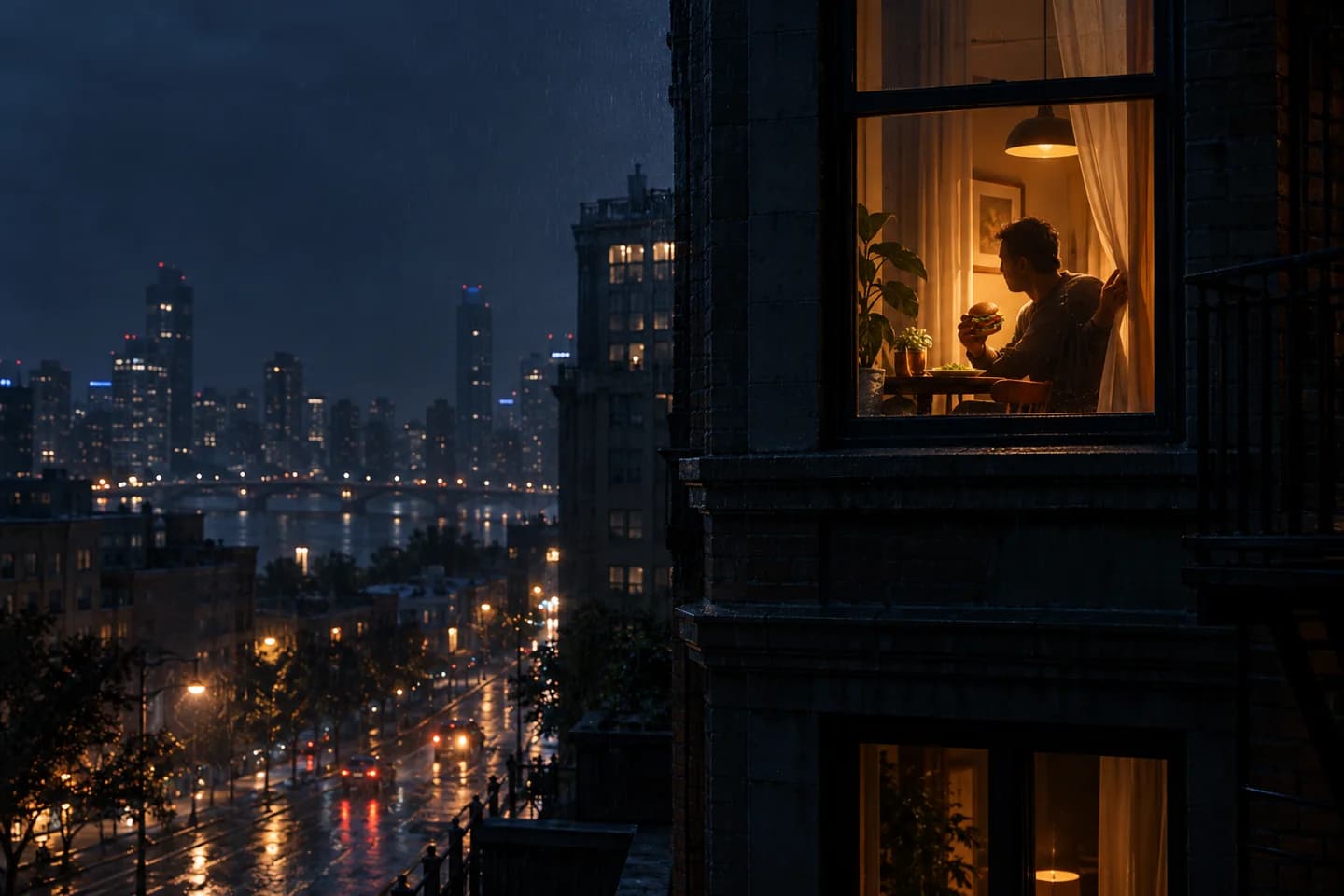
Create one continuous 15-second vertical video from the supplied, consented portrait. Begin outside a dark apartment building at night, looking toward one warm, illuminated window. The same adult subject is seated naturally at a small table inside, holding and eating one unbranded burger. Keep the original face, hair, skin tone, clothing, body proportions, and room layout consistent.

0–4 seconds: a distant, stable street-level view makes one slow cinematic push toward the lit window. No cuts and no sudden zoom.
4–8 seconds: the subject calmly lifts the burger, takes one small bite, and lowers it slightly without looking at the camera.
8–11 seconds: the subject stops, notices the camera, turns only the eyes and head toward it, and holds a restrained surprised expression.
11–15 seconds: the subject reaches to the existing curtain edge and pulls it smoothly across the window. The curtain fully covers the glass by second 14 and remains closed for the final moment.

Photoreal low-light exposure, believable depth through glass, subtle city haze, physically plausible hands and fabric. Preserve one subject, one burger, one window, and one camera move. No extra people, no face change, no duplicated fingers, no floating food, no new curtain, no broken frame, no text, no logo, no jump cut.
Copy the baseline exactly for the first generation. Do not add lens brands, ten lighting adjectives, horror references, celebrity names, or multiple camera techniques. Those choices consume attention without fixing the core sequence. Once the baseline works, change a single controlled element—food, room style, weather, or reaction—and compare the result. The window burger prompt page explains which clauses can be swapped safely and which should remain stable.
Use the fixed production settings and keep audio separate
The first release uses KIE’s Seedance 2.0 Mini integration with an output duration of fifteen seconds, 720p resolution, and a 9:16 aspect ratio. The site submits the provided audio as a reference track and disables native audio generation, so the model does not invent a second soundtrack that competes with it. The reference file is also exactly fifteen seconds, which removes a duration mismatch at the application layer. These are product settings, not a promise that every visual event will land on the intended frame.
- Duration
- 15 seconds
- Resolution
- 720p
- Aspect ratio
- 9:16 vertical
The KIE documentation distinguishes multimodal reference input from first-frame or first-and-last-frame modes and warns that those input modes cannot be mixed. This implementation uses reference media rather than pretending the uploaded portrait is a strict first frame. That distinction affects expectations: the model can preserve identity and scene cues while still interpreting the opening composition. The application sends generation work asynchronously and waits for a provider callback instead of keeping a browser request open.
Before the request reaches the model, the production flow must confirm a valid signed-in session, verify that the user has an available generation use, moderate the upload, claim one use transactionally, and submit an idempotent task. If submission fails or the provider reports a terminal failure, the same claim is restored once. A browser redirect after payment never grants uses; only a verified, deduplicated Waffo webhook can do that. This avoids double grants, double spending, and silent loss during retries.
Technical reference: KIE’s official Seedance 2.0 Mini API documentation. Provider capabilities can change, so the live integration must be checked again before deployment.
Review the first failure, then change only its cause
Watch the result once without stopping, then review it frame by frame. Find the earliest point where the story stops being clear. If the opening exterior turns into an interior cut, strengthen “one continuous exterior shot” and remove any lens or edit language. If the face changes during the push, shorten the list of style modifiers and repeat the identity constraints near the action. If the burger melts into the hand, ask for one small lift and lower rather than a bite, chew, and handoff.
When the reaction happens too soon
Replace vague timing such as “eventually notices” with an explicit interval. State that the subject does not look toward the camera during seconds zero through eight. Keep the meal action simple enough to occupy that time. If early eye contact persists, make the starting gaze physically specific: eyes down toward the food, head angled away from the window, shoulders relaxed. The model then has a visible starting pose to change from.
When the curtain fails
Check whether the source composition provides reachable fabric. If not, prompt wording alone may not repair the geometry. Add a visible curtain beside the subject or move the chair closer. State which edge is grasped, the direction it travels, when the reach begins, and that the window is fully covered by second fourteen. Remove wind, dramatic billowing, or two-handed gestures until the basic slide works.
Before publishing
Confirm that the depicted person still consents to the specific result, not only the original photo. Remove generations with identity drift, accidental logos, implausible anatomy, or a misleading real-surveillance presentation. Add an AI-generated disclosure that follows the destination platform’s current rules. Keep the prompt, settings, source consent, and output together so a later correction is possible. For modular camera and failure clauses, return to the prompt library; for the overview and shot logic, go back to the Burger Window AI guide.